

Exchange Online migration
Exchange Online is Microsoft’s cloud-based email solution that provides secure and reliable email services for your business. It integrates seamlessly with the Microsoft 365 environment, simplifies email management, reduces IT costs, and ensures state-of-the-art data protection and spam filtering. Discover how Exchange Online can help your business increase efficiency and maintain secure communication!
EUR 8900 + VAT
Indicative offer for 50 end users
Delivery time: 1 month
Migration process
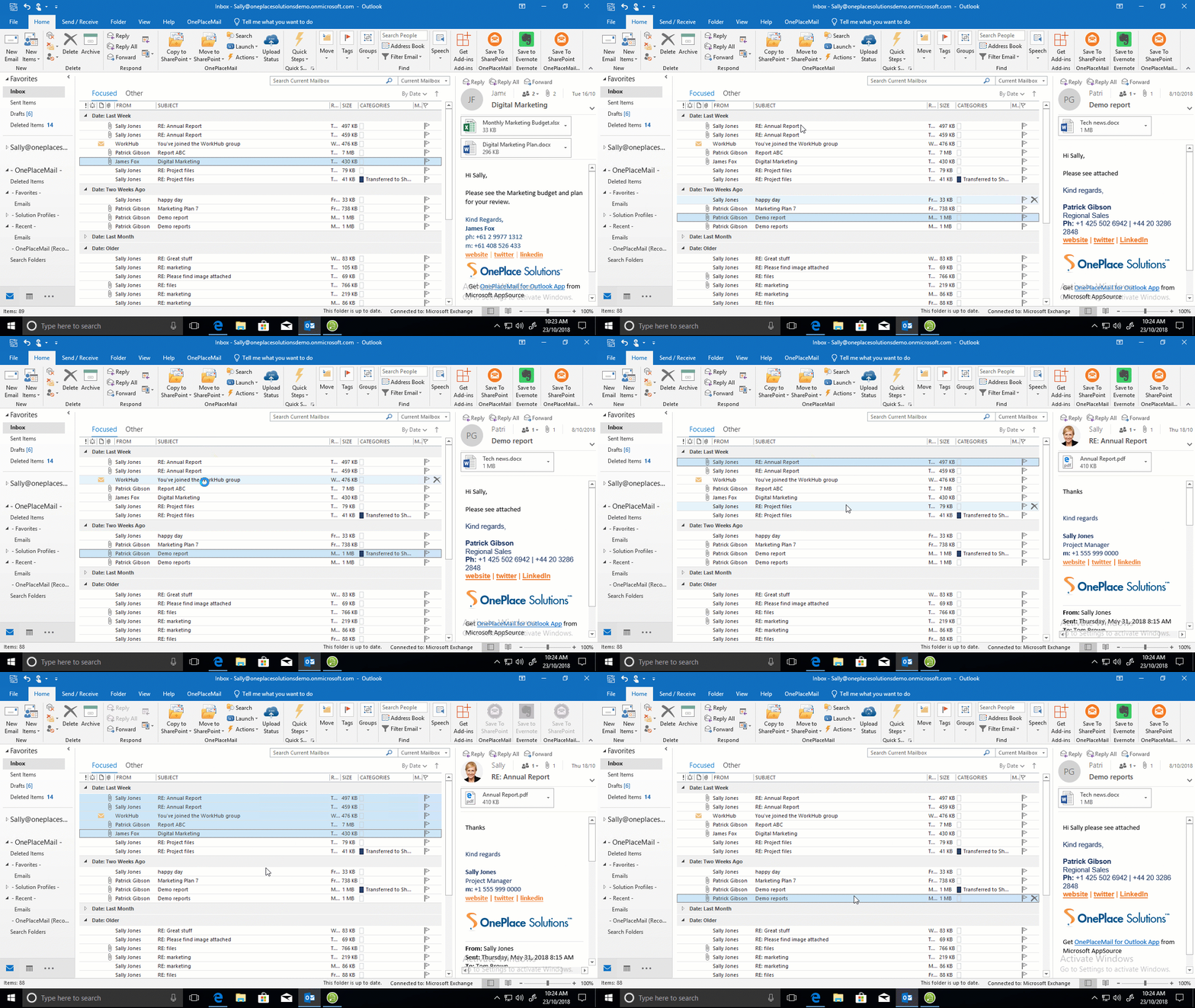
Assessment of current infrastructure
The first step is to assess the existing email server and client infrastructure, as well as the business and technical requirements and constraints related to email. Based on this assessment, we prepare the concept plan.
Design and creation of Office 365 tenant with initial configuration
Based on the assessment results, the target system and migration method are planned.
Bulk migration of user mailboxes
Main steps of mailbox migration:
- Notifying users about migration details
- Creating new mailboxes
- Moving mailboxes using IMAP-based migration
- Configuring the desktop client (often requires manual intervention)
- Setting up the mobile client
(Desktop and mobile client configurations are not performed by us.)
User and IT operator training
Frequently asked questions
Here you can find key information and answers about Exchange Online, its operation, benefits, and usage.
Can I migrate from my Google account to Exchange Online?
Yes, absolutely. During migration from Google Workspace, all essential data including emails, folder structures, and attachments, can be seamlessly transferred to Exchange Online, ensuring uninterrupted workflows.
Is there a mailbox size limit?
Yes, the maximum mailbox size is 100 GB. However, archiving solutions are available to provide additional storage for older emails, allowing more efficient space management.
How can Exchange Online be managed through the cloud?
Exchange Online is fully cloud-based, accessible from any device and location. It provides centralized management via the cloud, simplifying administrative tasks and enabling quick fixes or adjustments without maintaining physical infrastructure.
Can calendar entries be migrated in addition to email content?
How does Exchange Online ensure email security?
Which devices support the use of Exchange Online?
Exchange Online integrates seamlessly with Windows, macOS, Android, and iOS devices, allowing users to access their email, calendars, and contacts from any platform. With Outlook client support, the user experience remains consistent and smooth across all devices.
Additional services

Copilot implementation
Copilot is an AI-powered assistant that helps users within Microsoft 365 applications. It can interpret user instructions, automatically generate content and data visualizations, or even provide suggestions for completing various tasks. Discover creative solutions and experience a faster and more efficient way of working.
MDE implementation
Microsoft Defender for Endpoint provides advanced, integrated protection for your business, ensuring the security of devices and networks. It is fully configurable, including the setup of web content filtering policies, attack surface reduction rules, and the integration of Android and iOS devices.
Azure Easy assessment
Microsoft Azure is a comprehensive cloud platform offering a variety of computing, data storage, and development services to support the digital transformation of businesses and individual users.