Teams Advanced implementation
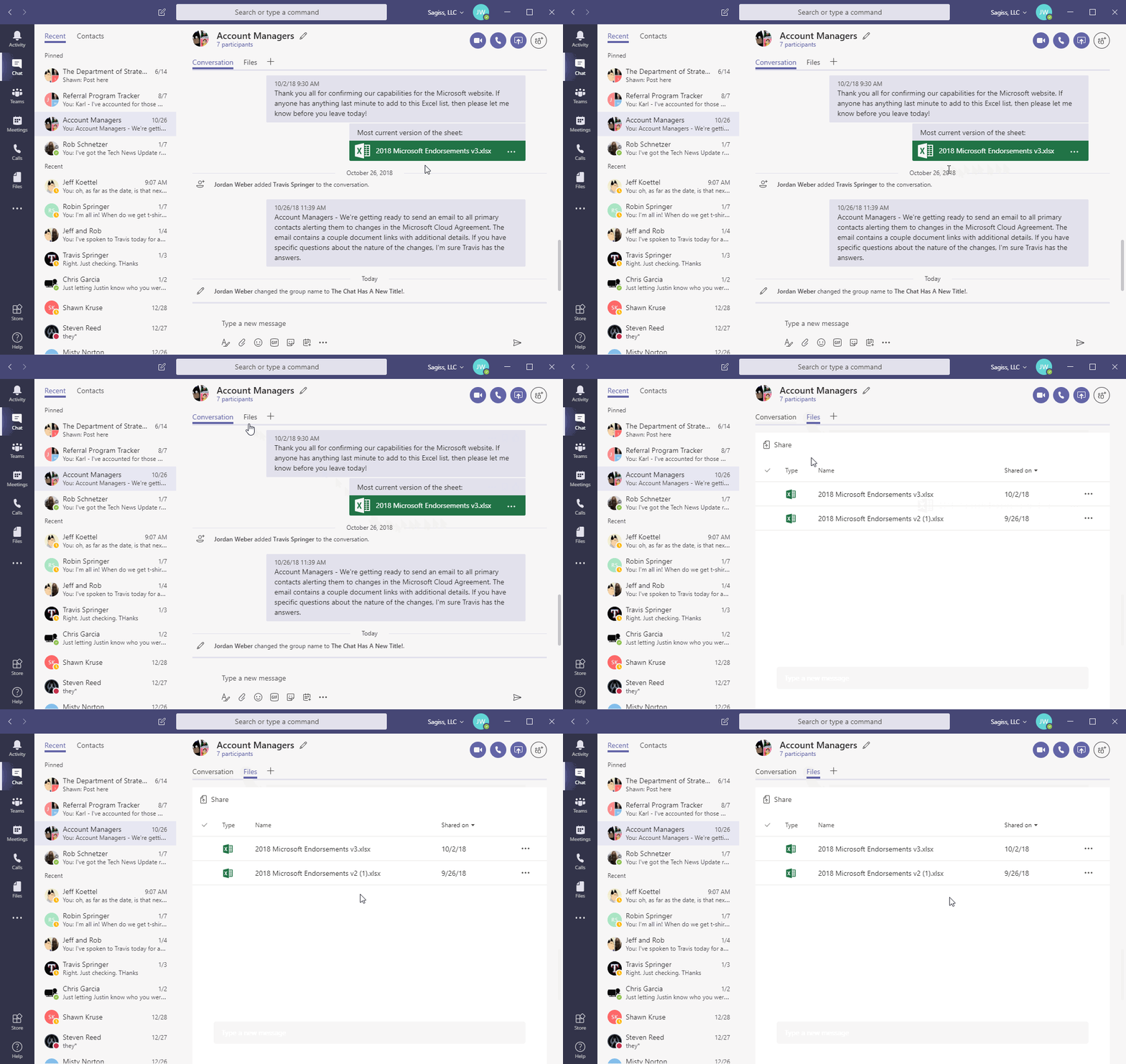
Microsoft Teams is an integrated collaboration tool that enables teams to manage meetings, documents, and project tasks all in one place. The application provides real-time communication and seamless information sharing, accelerating decision-making and improving collaboration efficiency. Explore Teams services in detail with the help of CloudSoft experts and get the most out of your organization.
EUR 15 000 + VAT
Indicative offer for 50 end users
Delivery time: 2 months
Implementation process
Organizational assessment and planning
Through workshops, we identify user needs with special attention to those who require additional support in adopting and using the platform.
Project preparation and training
We develop a detailed project plan covering communication, technical, and training schedules, and form a “Champion group” who receive in-depth training on Teams features and related applications such as Planner and OneNote.
Governance and technical configuration
A governance plan is created to define the rules for Teams usage, and all necessary technical configurations are performed based on the organization’s needs.
User communication and support
We prepare user training materials to demonstrate and reinforce the most important Teams features and train the IT team to provide ongoing platform support.
Communication and onboarding support
The CloudSoft team provides continuous assistance to the Champion group, handling user questions and unresolved issues to ensure a smooth and successful rollout.
Frequently asked questions
Here you can find the key information and answers about Microsoft Teams, its operation, benefits, and usage.
Does the offer include the implementation of Teams Phone services?
No, it does not. For Teams Phone implementation, please request a custom quote.
Our company’s email system is still on-premises. Can Teams still be implemented?
Yes, Teams can be implemented; however, we recommend planning a future transition of email to the cloud to take full advantage of Teams capabilities.
Do I need to perform manual updates in Teams?
No, Microsoft Teams updates automatically in the background, ensuring you always have access to the latest features and security improvements.
Who should be nominated for organizational interviews?
What data protection standards does Teams comply with?
Which operating systems support Teams implementation?
Our YouTube channel
On our channel, you can watch demo-filled presentations and videos covering all the services we offer. (The Videos are all in Hungarian)
Additional services
Exchange Online migration
Exchange Online is Microsoft’s cloud-based email solution that provides secure and reliable email services for your business. It integrates seamlessly with the Microsoft 365 environment, simplifies email management, reduces IT costs, and ensures state-of-the-art data protection and spam filtering.
MDE implementation
Microsoft Defender for Endpoint provides advanced, integrated protection for your business, ensuring the security of devices and networks. It is fully configurable, including the setup of web content filtering policies, attack surface reduction rules, and the integration of Android and iOS devices.
Teams Advanced implementation
Microsoft Teams is an integrated collaboration tool that allows teams to manage meetings, documents, and project tasks all in one place. The application enables real-time communication and smooth information sharing, accelerating decision-making and improving teamwork efficiency. Learn more about Teams services with the help of CloudSoft experts and make the most of your organization’s potential!