

Exchange Online
Exchange Online is Microsoft’s state-of-the-art email platform offering unmatched security features and scalability to meet corporate needs. With advanced data protection solutions such as automatic Data Loss Prevention (DLP) and integrated spam filtering, Exchange Online ensures that company information remains secure. Discover why leading enterprises choose Exchange Online!
Exchange Online Prices
- Microsoft’s suggested end-user price
- Contact us for our discounted CSP offer
Exchange Online Exchange Online: Plan 1
€3.89
Net price / user / month (annual subscription)
- Automatically move old messages to an on-premises archive
- Stay on top of important emails with the Focused Inbox feature
- Outlook on the web provides a premium browser-based experience
- 50 GB mailbox and messages up to 150 MB
Exchange Online Exchange Online: Plan 2
€7.88
Net price / user / month (annual subscription)
- Includes everything in Exchange Online Plan 1, plus:
- 100 GB mailbox and messages up to 150 MB
- Built-in Data Loss Prevention (DLP)
- Cloud-based voicemail services with call answering, dial-in interface, and auto-attendant
Exchange Online features
Flexibility
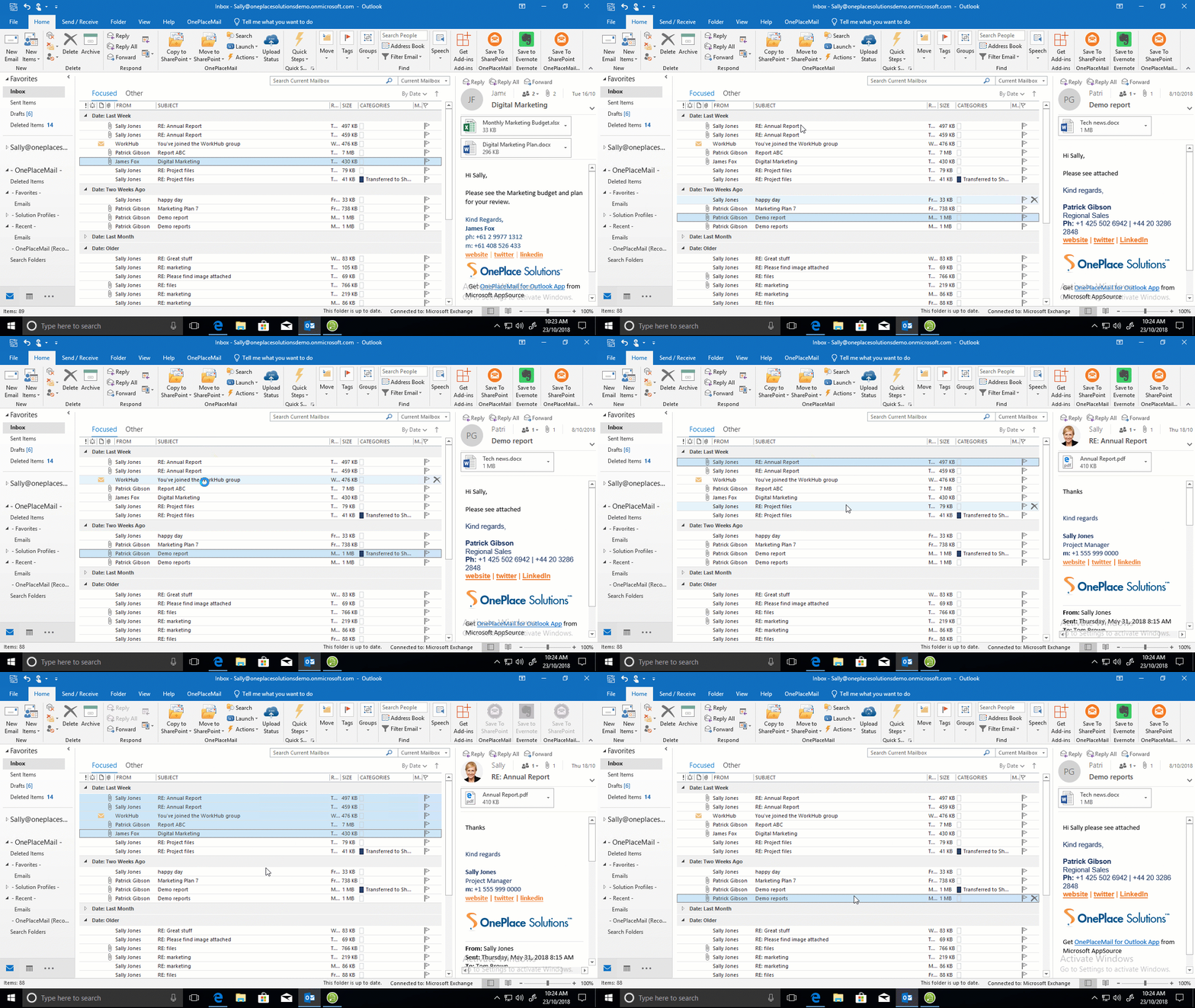
Exchange Online allows users to access their email and calendar flexibly across multiple devices and locations. This feature is especially valuable for remote workers who rely on mobility.
Scalability
Exchange Online’s scalability allows companies to easily expand or reduce the number of user accounts based on their current business needs. With various subscription options, organizations can tailor their setup to fit their budgets and requirements. This flexibility enables businesses to respond quickly to market changes without incurring significant upfront costs.
Security
Exchange Online offers advanced security features, including data encryption, multi-factor authentication (MFA), and Advanced Threat Protection (ATP). These capabilities help protect user data from cyber threats and ensure secure communication across the organization.
Easy adoption
Frequently asked questions
Can Exchange Online be integrated with third-party applications?
Yes, Exchange Online can be integrated with numerous third-party applications, such as CRM systems and project management tools. These integrations can be implemented easily via APIs, enabling seamless use of email and calendar data across different platforms.
What storage and other resources does Exchange Online provide per user?
The default storage for Exchange Online is 50 GB per user, which can be expanded up to 100 GB using the archive feature. The service also provides access to emails, calendars, contact lists, and tasks, along with built-in backup and data protection functions.
How flexible and scalable is Exchange Online for a fast-growing company?
Exchange Online easily adapts to the changing needs of a fast-growing business. It allows for simple addition or removal of user accounts and dynamic expansion of storage and resources, ensuring that companies can scale their email infrastructure smoothly.