

SharePoint Online
SharePoint Online is Microsoft’s modern cloud-based intranet solution that helps businesses share content, knowledge, and applications. Its intuitive interface and customizability make it easy for teams to share files, manage projects, and collaborate in real time, from anywhere.
SharePoint Online Plans
- Free product and licensing consultation with expert support.
- Discounted implementation and maintenance offers.
SharePoint Online
Plan 1
€4.94
Net price / user / month (annual subscription)
- SharePoint features designed for small and medium-sized businesses
- Secure file sharing and real-time co-authoring inside and outside the organization
- Content management with document libraries, version control, and access permissions
- Discover relevant people and important content right when you need it
SharePoint Online
Plan 2
€9.87
Net price / user / month (annual subscription)
- Office Webapps
- Exchange Online (50GB)
- Teams
- SharePoint Online
- 1TB OneDrive
Microsoft 365 Business Standard
€12.29
Net price / user / month (annual subscription)
- Everything included in Plan 1, plus:
- Desktop, web, and mobile versions of Word, Excel, PowerPoint, and Outlook
- Chat, calls, and video conferencing with Microsoft Teams
- Manage customer meetings and host webinars easily
- Tools for creating personalized documents and professional layouts
- New: Collaborative workspaces with Microsoft Loop for co-creation
SharePoint Online Features
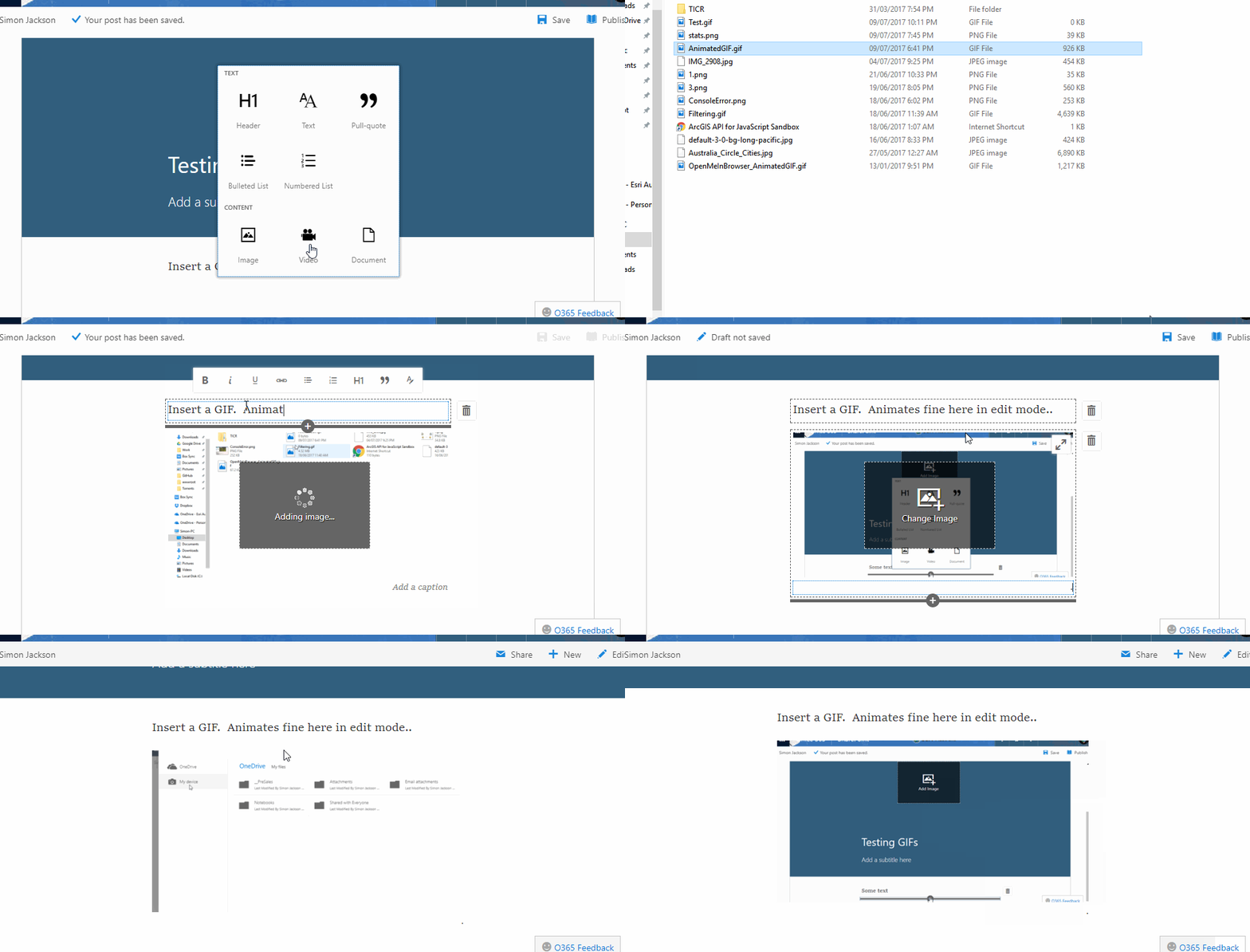
Intuitive
SharePoint Online’s user-friendly interface allows users to navigate quickly and easily, simplifying daily workflows and information management.
Personalized
Thanks to its flexibility, SharePoint Online can be fully customized to meet each company’s specific needs, ensuring the solution works exactly the way teams require.
Secure
Microsoft guarantees enterprise-grade security, ensuring that all data and documents remain protected with robust safeguards.
Integrated
Frequently asked questions
How does SharePoint Online ensure document and data security?
SharePoint Online uses AES 256-bit encryption to protect data and secure TLS/SSL protocols for data transfer. Access control is managed through detailed permissions and multi-factor authentication via Azure Active Directory. Microsoft data centers comply with ISO 27001 standards and maintain strict security protocols with continuous monitoring to ensure data protection.
Does SharePoint Online support real-time collaboration between teams?
Yes, SharePoint Online supports real-time collaboration, allowing multiple users to work on the same document simultaneously. All changes are instantly synced, and the system provides detailed version control. It also integrates with Office 365 apps and Microsoft Teams, enabling seamless teamwork and communication.
Is the system easy to use for beginners?
Yes, SharePoint Online has a beginner-friendly and intuitive interface that simplifies getting started. It integrates with familiar Microsoft Office applications like Word, Excel, and PowerPoint, making it easy to use. Microsoft also provides a wide range of tutorials, online courses, and support resources, including the Microsoft Learn platform and community forums, to help users quickly gain the necessary skills.